 OttoRecordsby Alluxi
 RECYour screen.
Your screen.
You in the picture.
Otto's rolling.
OttoRecords is the fast, clean way to record your screen on Mac — with a floating webcam bubble, your mic, and system audio. One click from the menu bar.
Get it on the Mac App StoreFree · macOS · 639 KB
Lights, camera… clic!

What Otto does
Three things, done really well
01
Set up in seconds
Pick a full screen, a single window, or just an area. Add your camera, microphone, and system sound. Then hit record — all from one simple panel in your menu bar.
 "No settings maze. Two clicks and we're live."
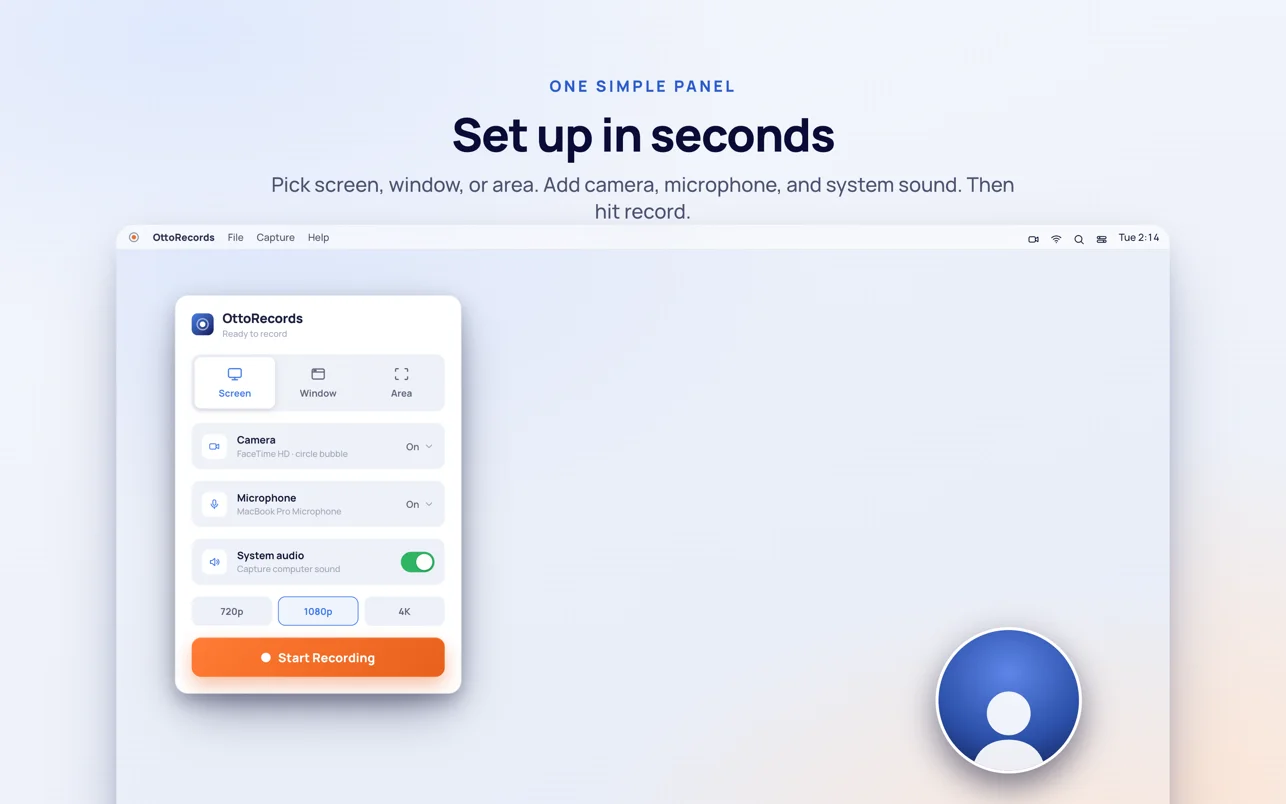 One panel
02
A clear 3·2·1, every time
See exactly what will be recorded before it starts — the capture frame is drawn right on your screen, with a countdown. No surprises in the final cut.
"I always show you the frame before I roll."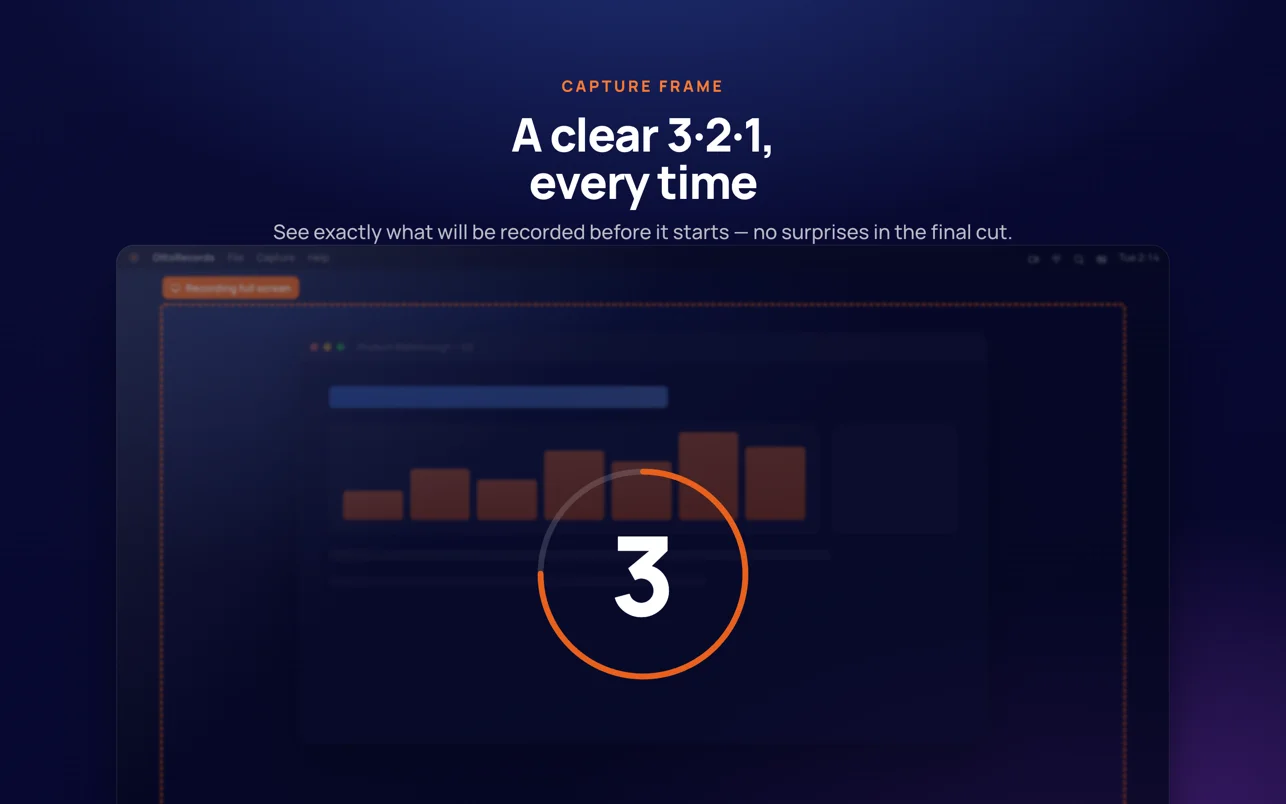 No surprises
03
Every take, in one place
Replay, trim, and share in a click. Your recordings stay right on your Mac — no cloud upload, no account, no waiting.
 "Your takes live on your Mac. Otter's honor."
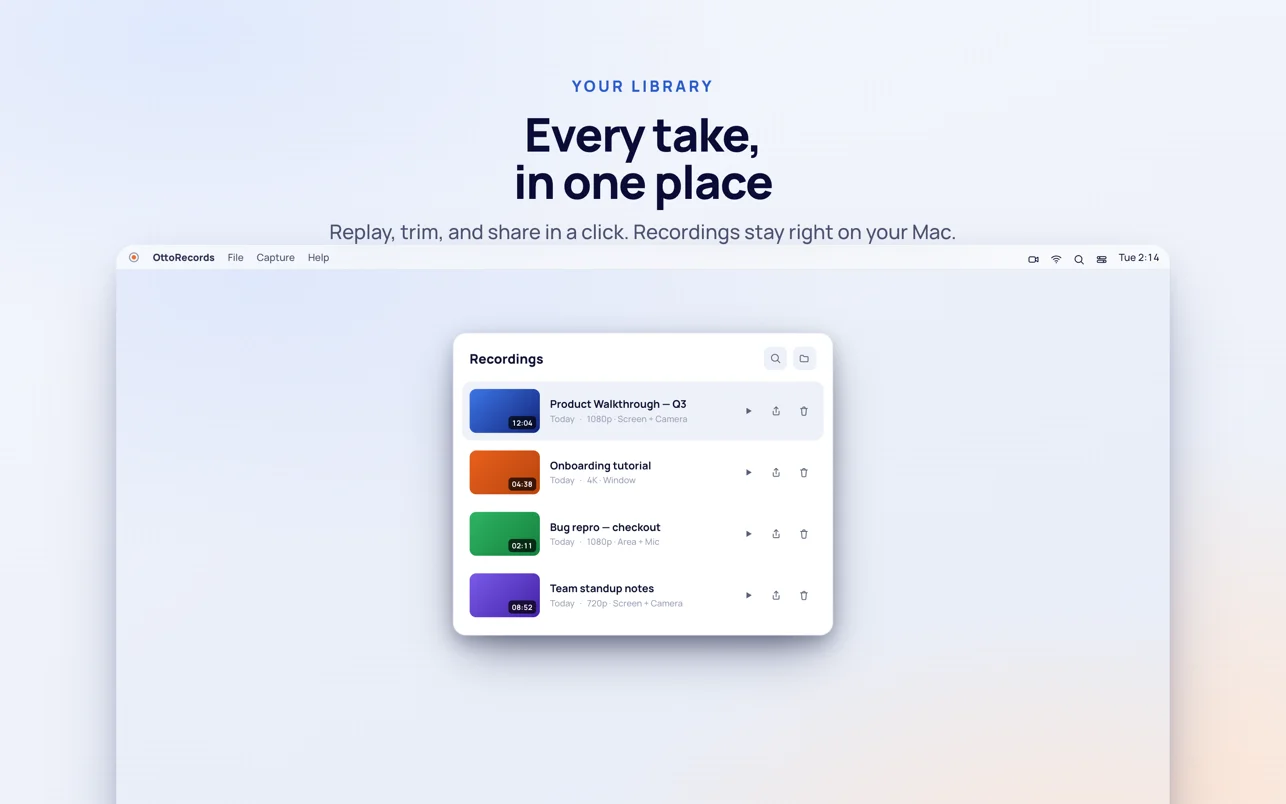 Yours, locally
Made for
Whatever you need to show someone
Product demosTutorialsBug reportsAsync updatesCourse content
Otto's ready
when you are.
Free on the Mac App Store. Lives quietly in your menu bar until you need it.
Download OttoRecordsmacOS · Free · Crafted by the Alluxi team in Monterrey, MX